
Runs, map and timeline
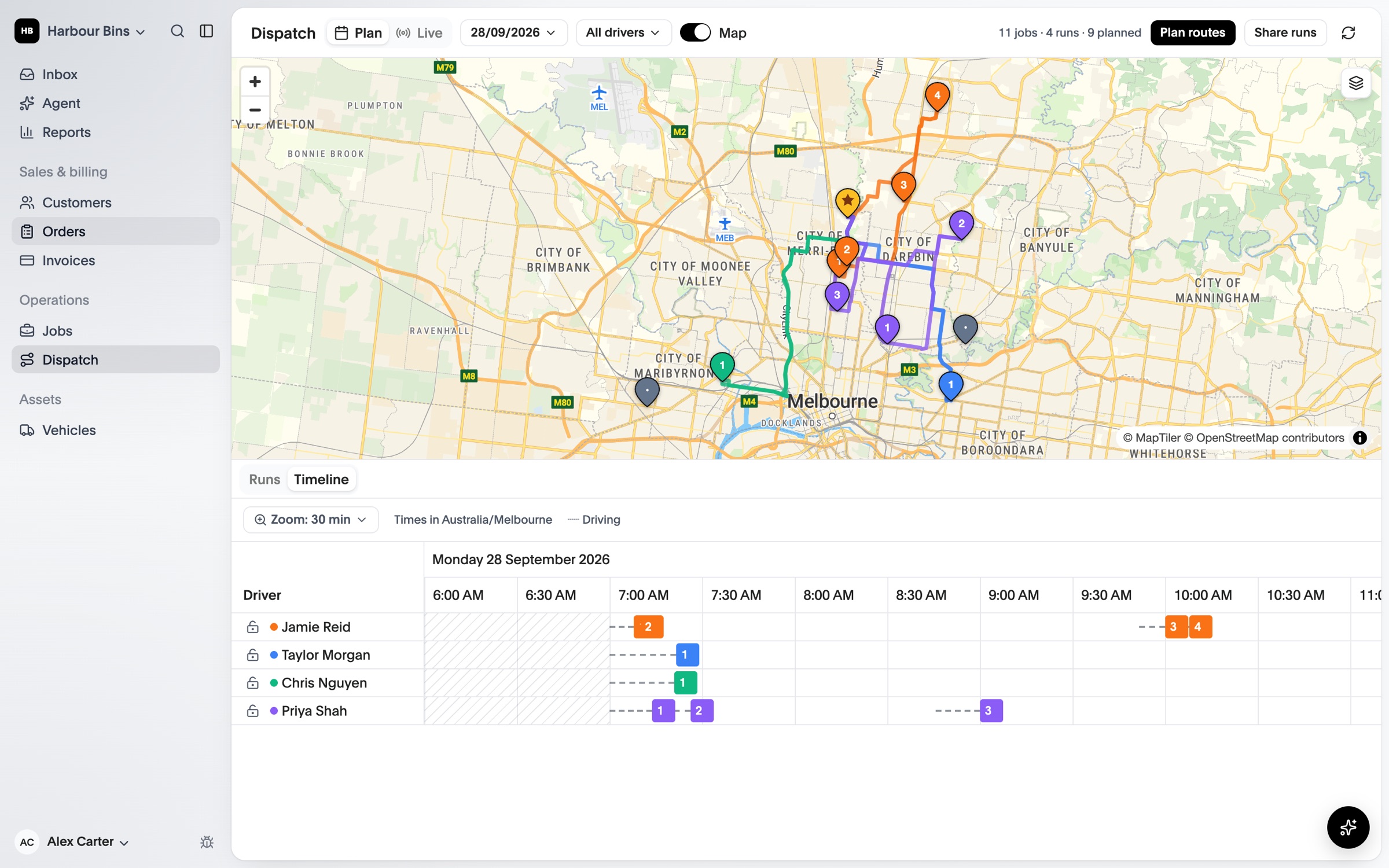
Unassigned work first, then each driver’s run in stop order, beside the map and a timeline of the day.
See every job on the map, give it to a driver and put the run in order. Plan routes for your trucks and send them straight to your drivers’ phones.
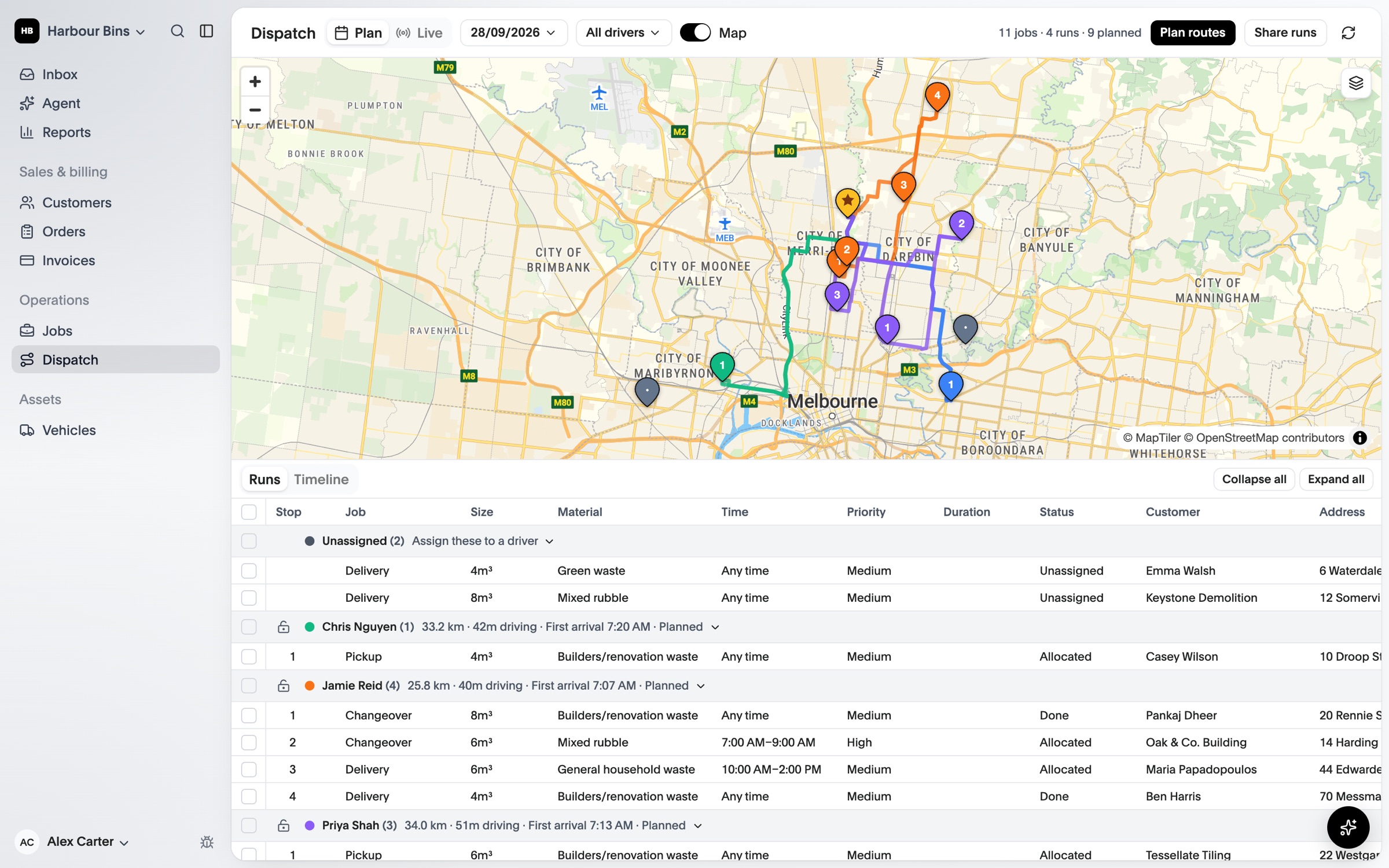
Unassigned work first, then each driver’s run in stop order, beside the map and a timeline of the day.
Route planning uses each vehicle’s height, width, length and weight, from your depot and back, with time on site at every stop.
Lock the runs you’re happy with, then send new and changed routes to drivers’ phones in one go.
Give unassigned jobs to a driver and vehicle from the list or the map.
Drag stops into the order that makes sense. Work already underway stays put.
Get truck routes and arrival times from your depot, with traffic at the time you leave.
Drivers get the run on their phone, and the live view shows progress and proof as jobs are done.
Compare what each plan includes on the pricing page.
See OPS25 with your own services, depots and crews in mind.