
Their run, in order
Each stop with the site address, the bin or equipment, the time window and the office’s notes for the driver.
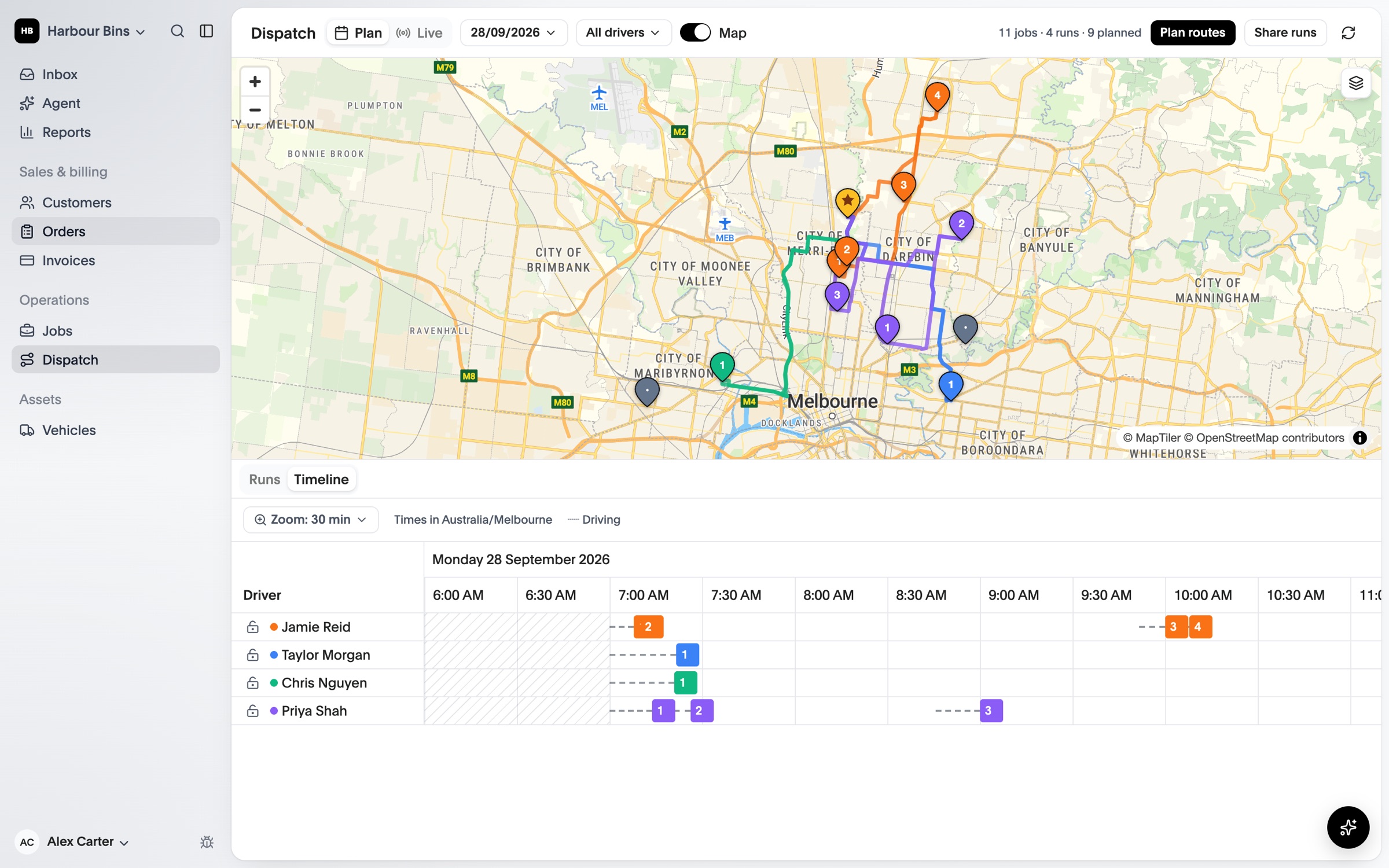
Drivers see their run in order, get directions in the navigation app they prefer and record each job as they finish it. The office sees it as it happens.
Each stop with the site address, the bin or equipment, the time window and the office’s notes for the driver.
Photos, notes, a signature when you need one and a location stamp, attached to the job in the office.
If a job can’t be completed, the driver says why and the office is told straight away.
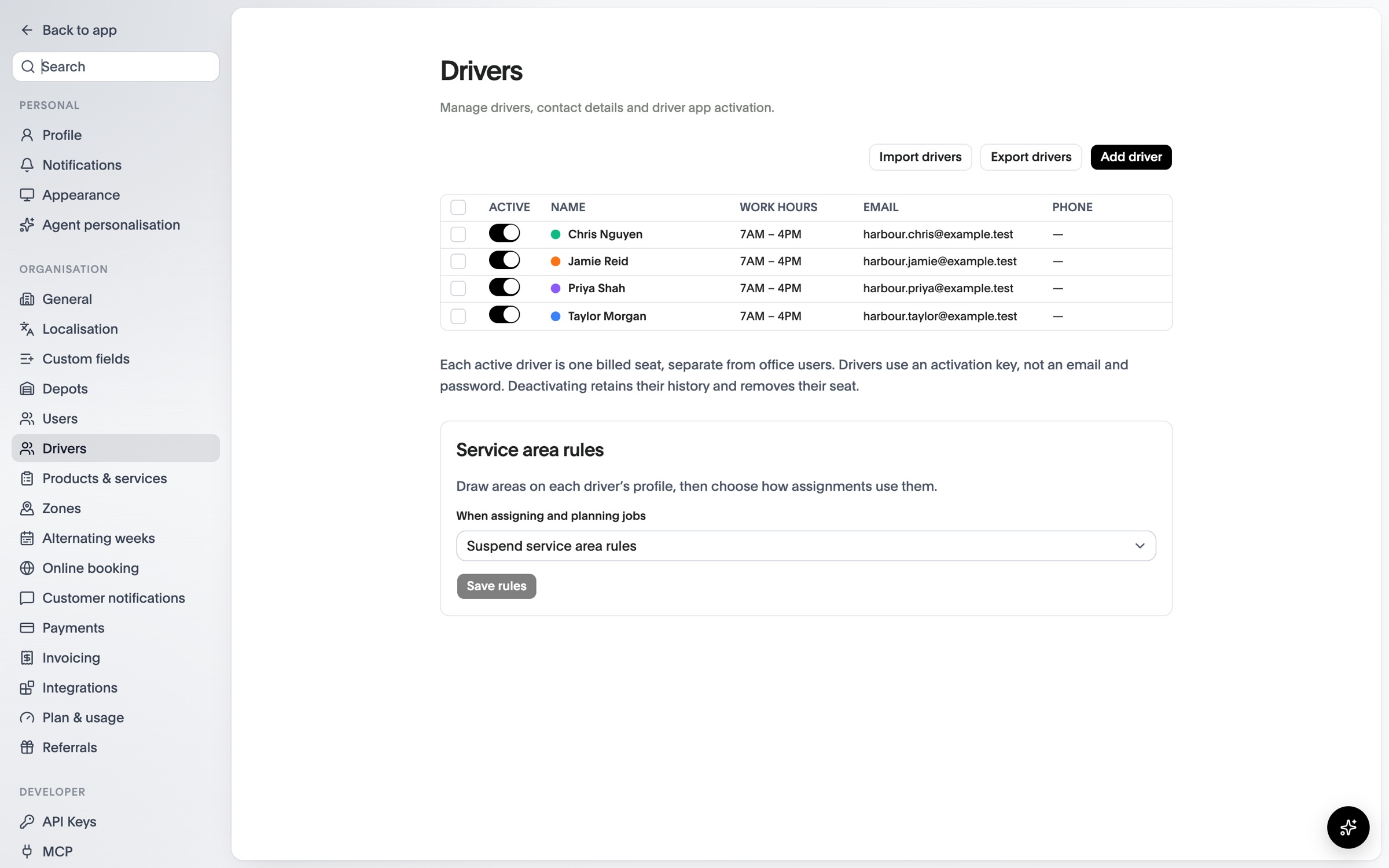
No passwords to remember. The office gives each driver a key to activate the app.
A notification arrives when the office sends new or changed routes.
Open directions, then complete the job with photos, notes and a signature.
Completed and failed jobs update the office as they happen.
See OPS25 with your own services, depots and crews in mind.