
Your brand, on your website
Embed the full form or a small lead-in on your own site, or share a hosted booking page. Your logo, your colour and your policies.
Add a booking form to your own website. Customers choose a bin, see the price for their area and pick their dates, and the order lands in your office ready to schedule.
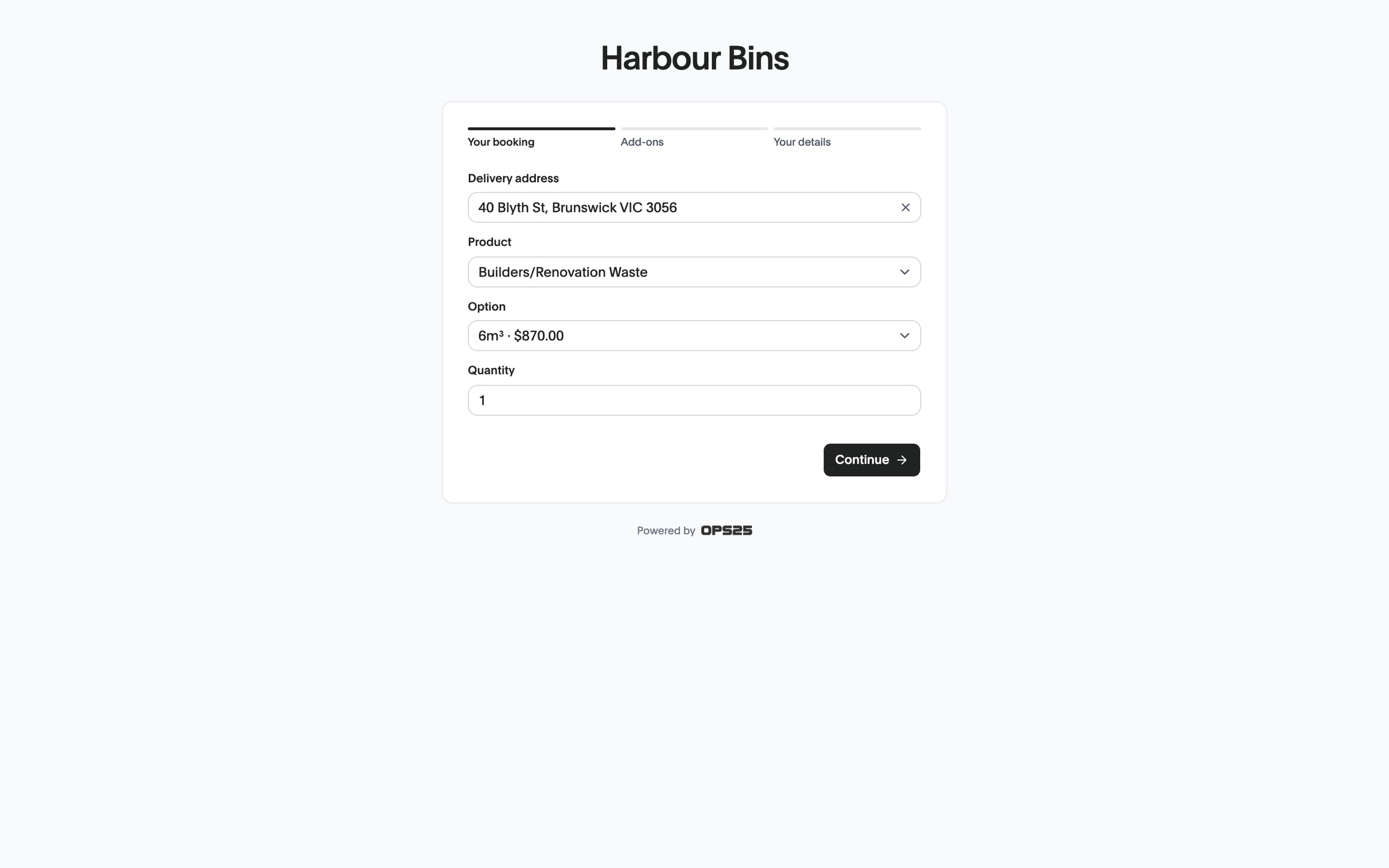
Embed the full form or a small lead-in on your own site, or share a hosted booking page. Your logo, your colour and your policies.
Set the zones you service and what each costs, so customers see the price for their address before they order.
Online orders arrive with the customer, site and dates filled in, ready on your Orders list.
Pick the bins customers can book, and set your zones, prices and availability.
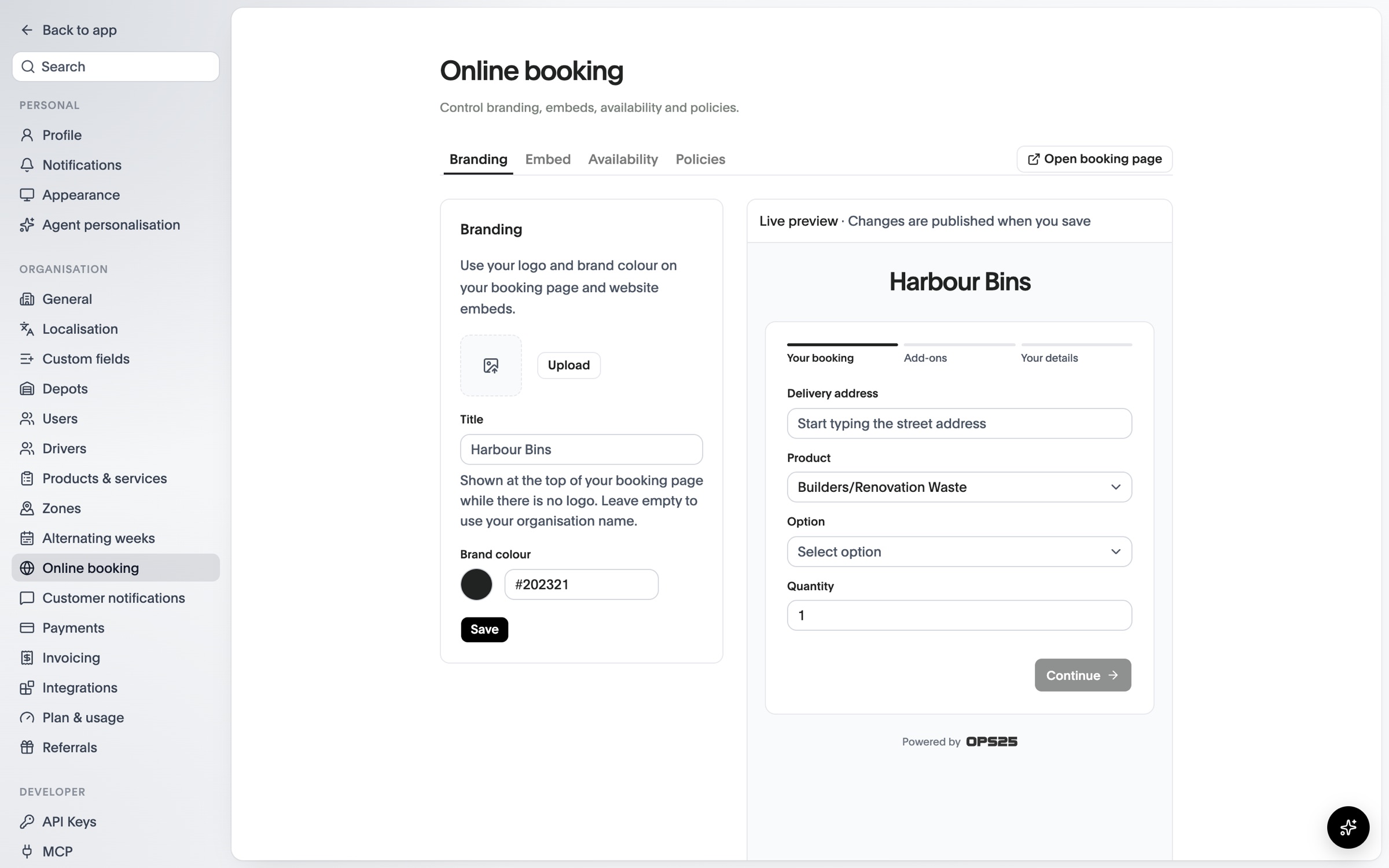
Copy the embed or link from Settings. A live preview shows your booking page as you change it.
They choose a bin and dates, read your permit and collection notices, and can pay by card if you take payments online.
The order and its jobs are waiting in the office, ready to assign to a driver.
See OPS25 with your own services, depots and crews in mind.