
Charges from the order
Unbilled charges wait on each order, so every delivery, hire period and extra is ready to invoice.
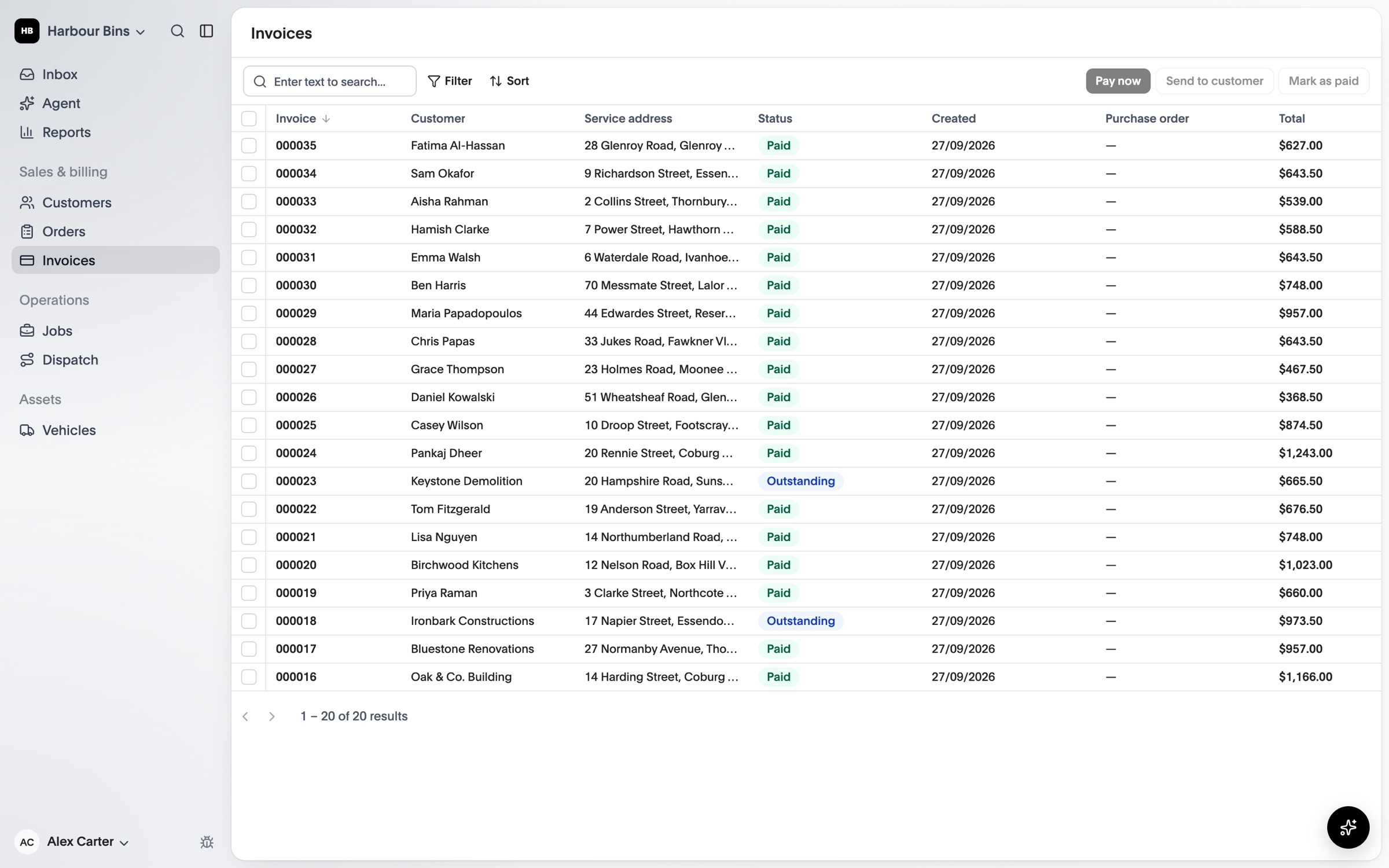
Charges build up on the order as the work happens. Put them on an invoice, send it and follow it until it’s paid, then post it to your accounting system.
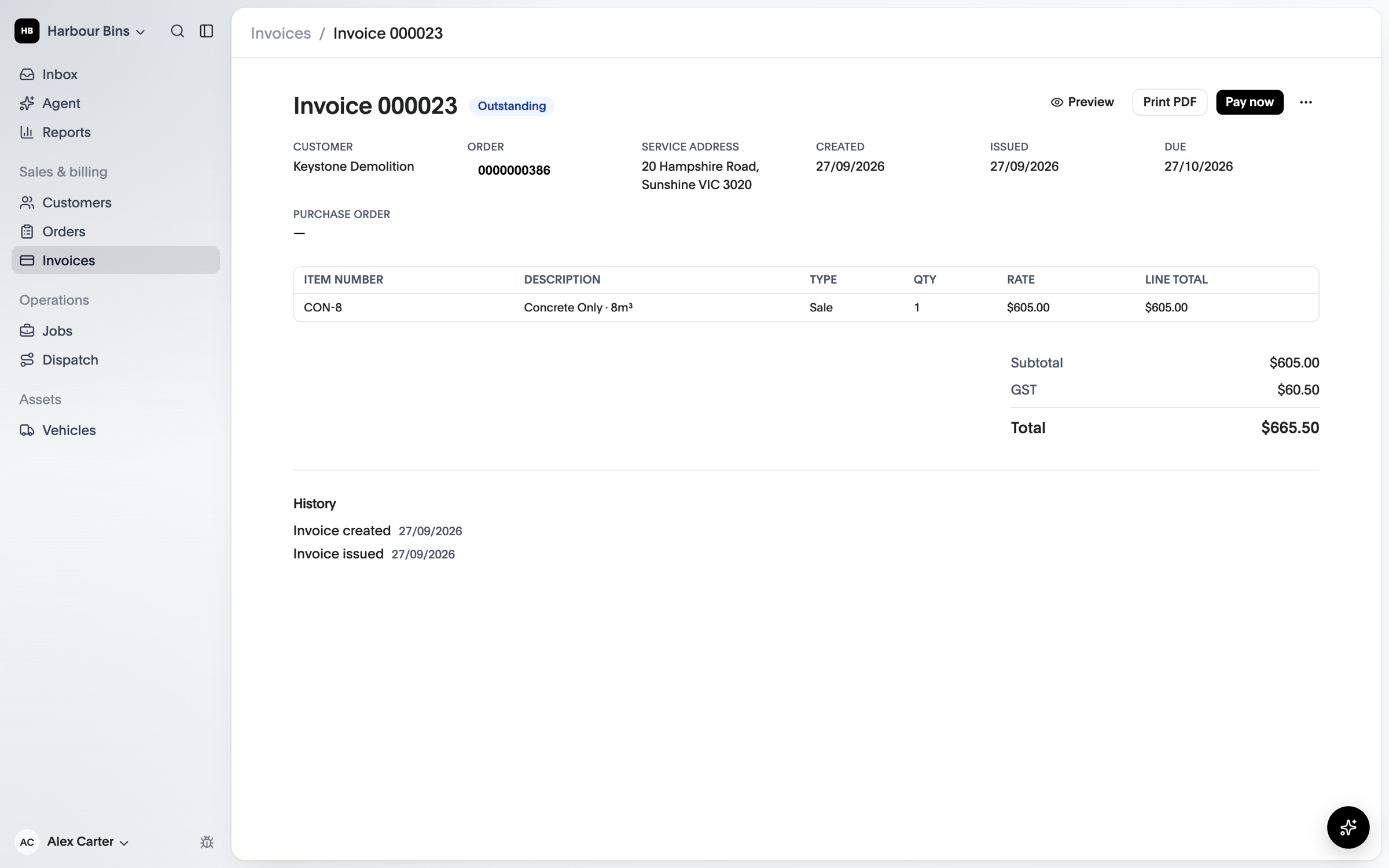
Unbilled charges wait on each order, so every delivery, hire period and extra is ready to invoice.
A monthly rehire run extends ongoing hire and raises the next period’s charges. Preview it before you apply it.
Issued invoices and their customers are posted to Xero for you. MYOB is coming soon.
Hire, sale and extra charges sit on each order until they’re invoiced.
Put an order’s unbilled charges on a draft, with your tax and item codes.
Issuing numbers the invoice and locks it. Email it to the customer from OPS25.
Take card payments, record payments made elsewhere and see overdue invoices on Home.
Compare what each plan includes on the pricing page.
See OPS25 with your own services, depots and crews in mind.